

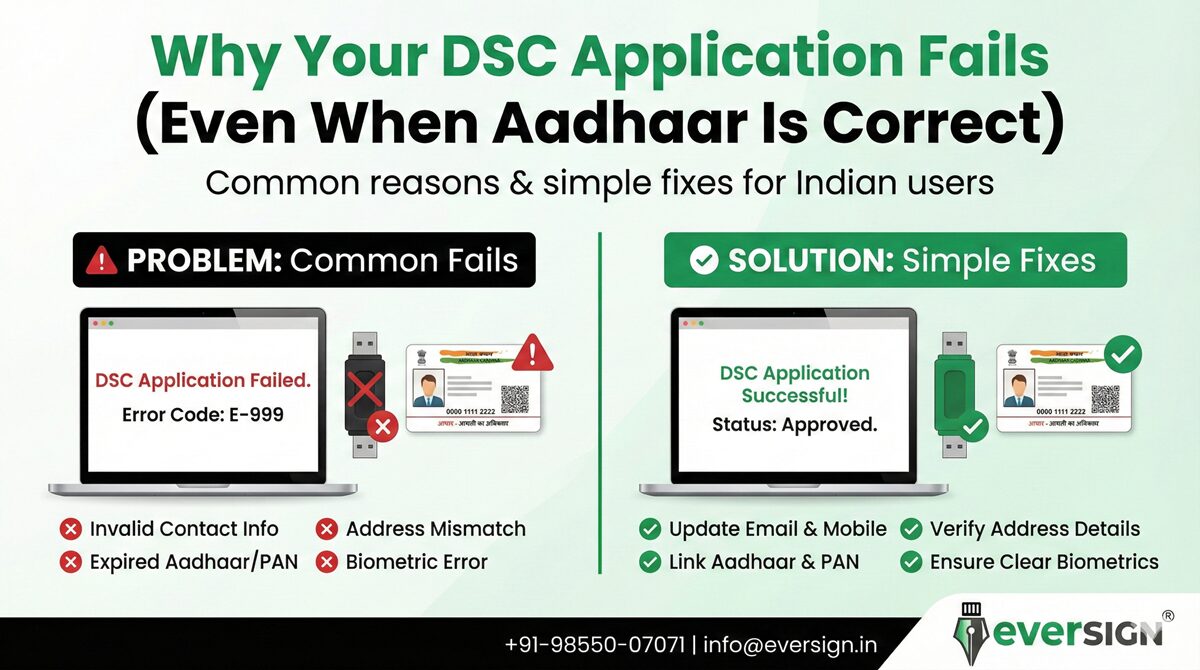
Many users get frustrated when their Digital Signature Certificate (DSC) application fails — even though their Aadhaar details are correct.
If this has happened to you, don’t worry.
In most cases, the issue is not your Aadhaar number itself, but something else in the verification process.
Let’s understand the real reasons behind DSC failures and how to fix them quickly.
1. Aadhaar Email or Mobile Not Linked
Even if your Aadhaar number is valid, your DSC application can fail if:
-
Email ID is not linked
-
Mobile number is inactive
-
OTP is not delivered
Fix:
Visit an Aadhaar Enrolment/Update Centre to link and verify your email and mobile number.
2. KYC Validity Has Expired
KYC is valid for 2 years only.
If your KYC was done more than 2 years ago, your DSC application will be rejected.
Fix:
Complete fresh Aadhaar / PAN / Video KYC before applying again.
3. PAN & Aadhaar Name Mismatch
If your name appears differently on:
-
PAN card
-
Aadhaar card
-
Application form
Your DSC request may fail.
Fix:
Ensure spelling, initials, and surname order match exactly across all documents.
4. Biometric Authentication Failure
Fingerprints may fail due to:
-
Worn fingerprints
-
Senior age
-
Poor scanner quality
-
Incorrect finger placement
Fix:
Try iris scan or update biometrics at an Aadhaar centre.
5. Incorrect Authority Letter Format
Certifying Authorities (eMudhra, Capricorn, IDSign, etc.) require a specific format.
If your authority letter is:
-
Modified
-
Missing signature
-
Incorrect layout
It will be rejected.
Fix:
Always use the official format provided by your DSC service provider.
6. Technical or Server Issues
Sometimes DSC applications fail due to:
-
UIDAI server downtime
-
CA system issues
-
Browser security blocks
-
OTP delays
Fix:
Try again later or use a different browser/network.
7. Aadhaar Authentication Locked
If biometric authentication is locked:
-
Fingerprint/iris won’t work
-
DSC application fails
Fix:
Unlock Aadhaar biometrics on the UIDAI portal or at a centre.
Quick Checklist Before Reapplying
✔ Aadhaar active
✔ Email linked
✔ Mobile linked
✔ PAN name matches Aadhaar
✔ KYC done within 2 years
✔ Authority letter in correct format
✔ Biometrics updated
How EverSign Helps You
At EverSign, we don’t just issue DSCs —
we make sure your application succeeds.
We assist with:
✅ Aadhaar linking
✅ KYC renewal
✅ Name mismatch corrections
✅ Authority letter guidance
✅ Biometric issues
✅ DSC issuance for GST, MCA, Tender, DGFT & Trademark
Need Help Right Now?
📞 Call / WhatsApp: +91-98550-07071
📧 Email: [email protected]
🌐 Website: www.eversign.in
Our experts will guide you step-by-step.
Final Thoughts
If your DSC application failed,
it doesn’t mean you’re stuck.
It simply means one small step needs fixing —
and EverSign is here to help you do it quickly.
