

The right driver.
Right here at EVERSIGN.
Download the software for your HYP2003, ProxKey, mToken CryptoID or INNAIT token—with clear options for your computer.
Which one is yours?
Start with the name printed on your device. Match the token family, then check its generation.
Not sure which token you have? Ask EVERSIGN for help (opens in a new tab) before choosing a package.
Download your token driver.
Choose the matching hardware generation. Legacy and specialist options are under each token.
Check your operating-system release and processor before installing. Where these are not specified by the publisher, confirm compatibility with EVERSIGN or the manufacturer.
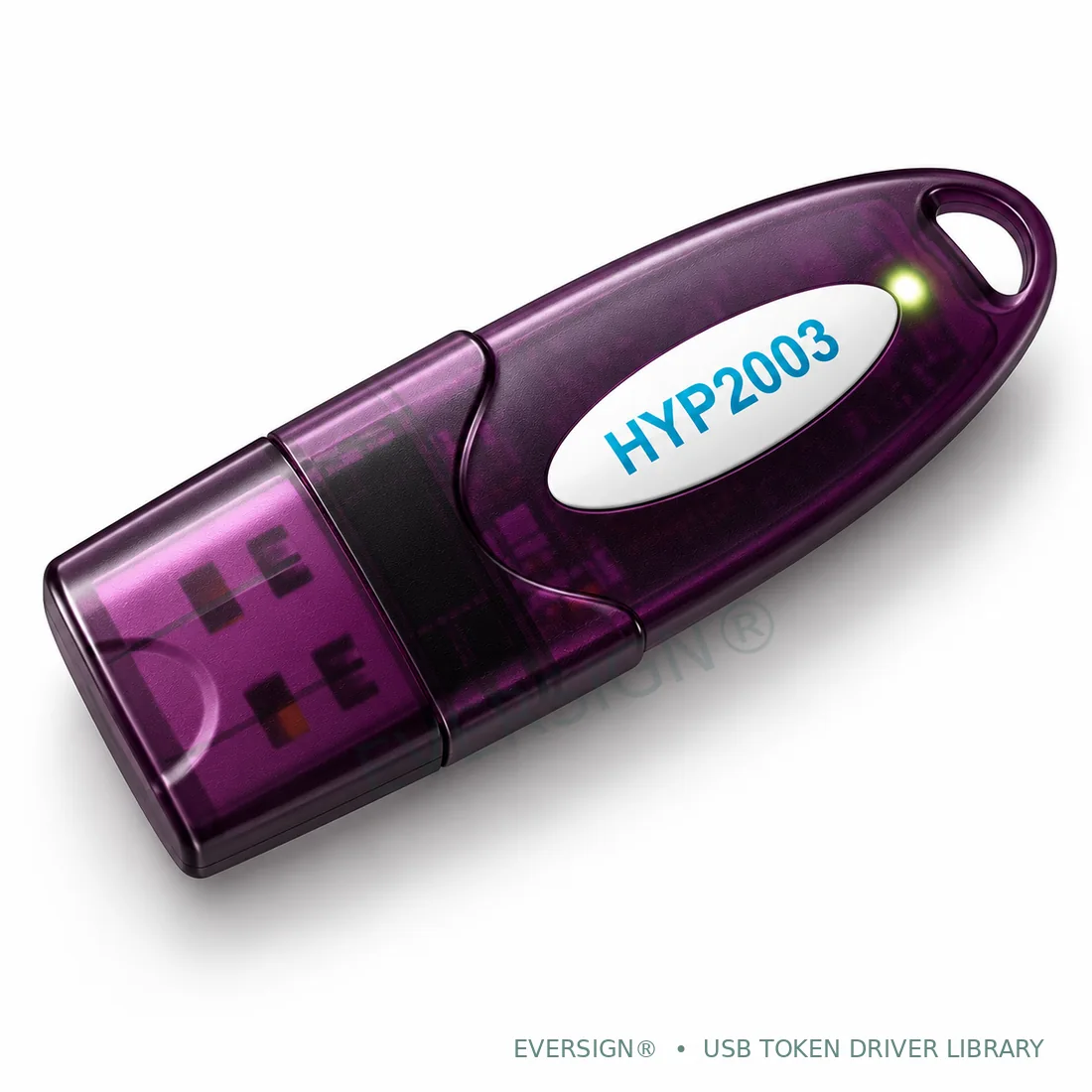
HYP2003
EVERSIGN® · Authorized Premium Partner for HyperSecu
Choose FIPS 140-3 for confirmed current-generation hardware. Separate FIPS 140-2 packages for older tokens are below.
Windows · FIPS 140-3
For FIPS 140-3 HYP2003 hardware. Confirm your Windows release and system type.
macOS · FIPS 140-3
For FIPS 140-3 hardware. Confirm macOS release and Intel / Apple silicon support.
Linux · FIPS 140-3
64-bit Intel / AMD (x86_64) middleware. Check distribution requirements in the included instructions.
FIPS 140-3 and FIPS 140-2 describe different hardware generations, not software version numbers. Confirm your token before choosing.
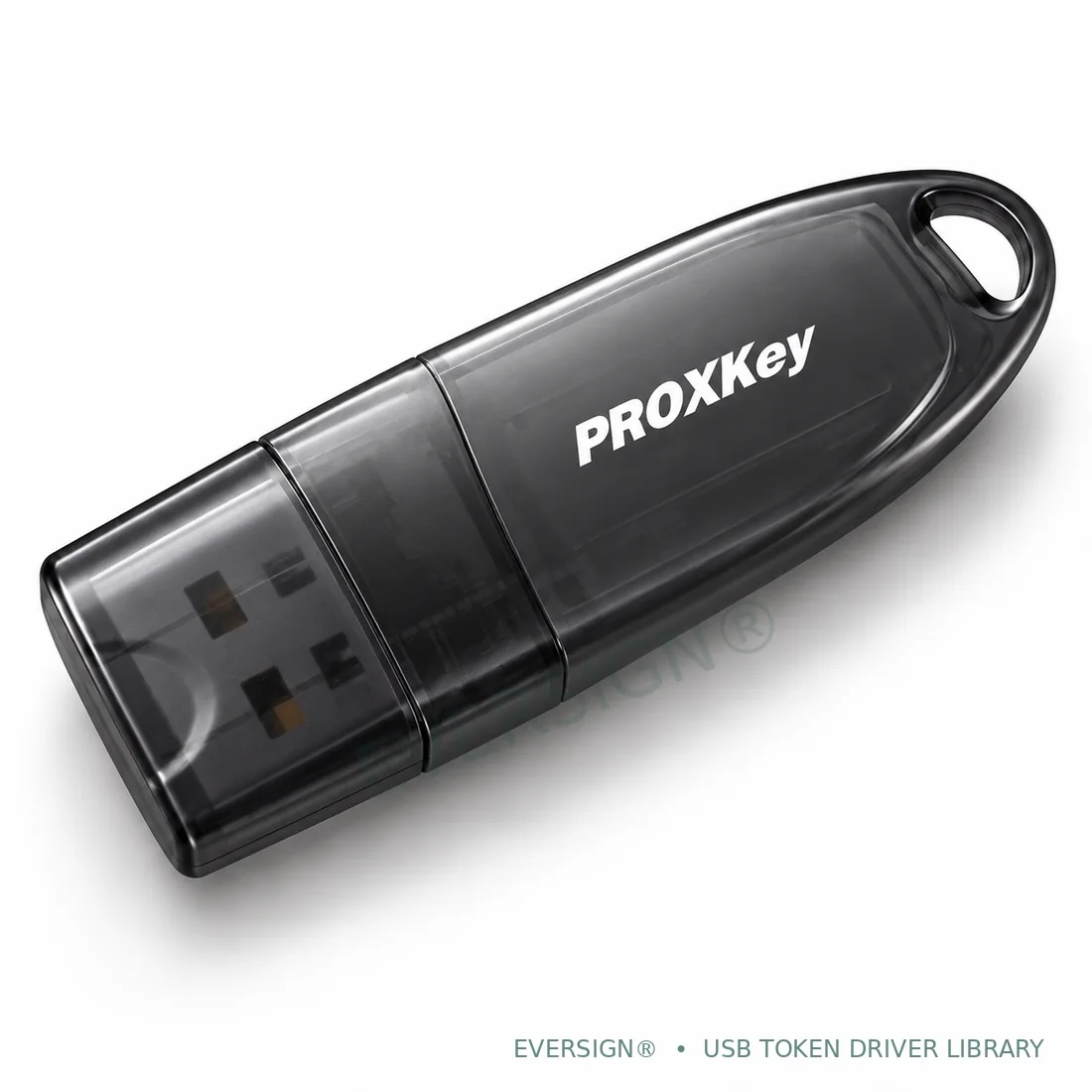
ProxKey
EVERSIGN® · Authorized Partner for Watchdata
Windows and macOS installers, with separate Linux packages for Ubuntu and Red Hat/Fedora environments.
Windows
Source lists Windows 11 / Server 2025 · processor support not specified
macOS
Source lists macOS 26 Tahoe · Intel / Apple silicon support not stated
Linux · Ubuntu
Source lists Ubuntu 25.10 / Ubuntu Server 24.04 LTS · architecture not specified
The support listing does not split these files by FIPS generation or Windows processor type. Check your model if uncertain.
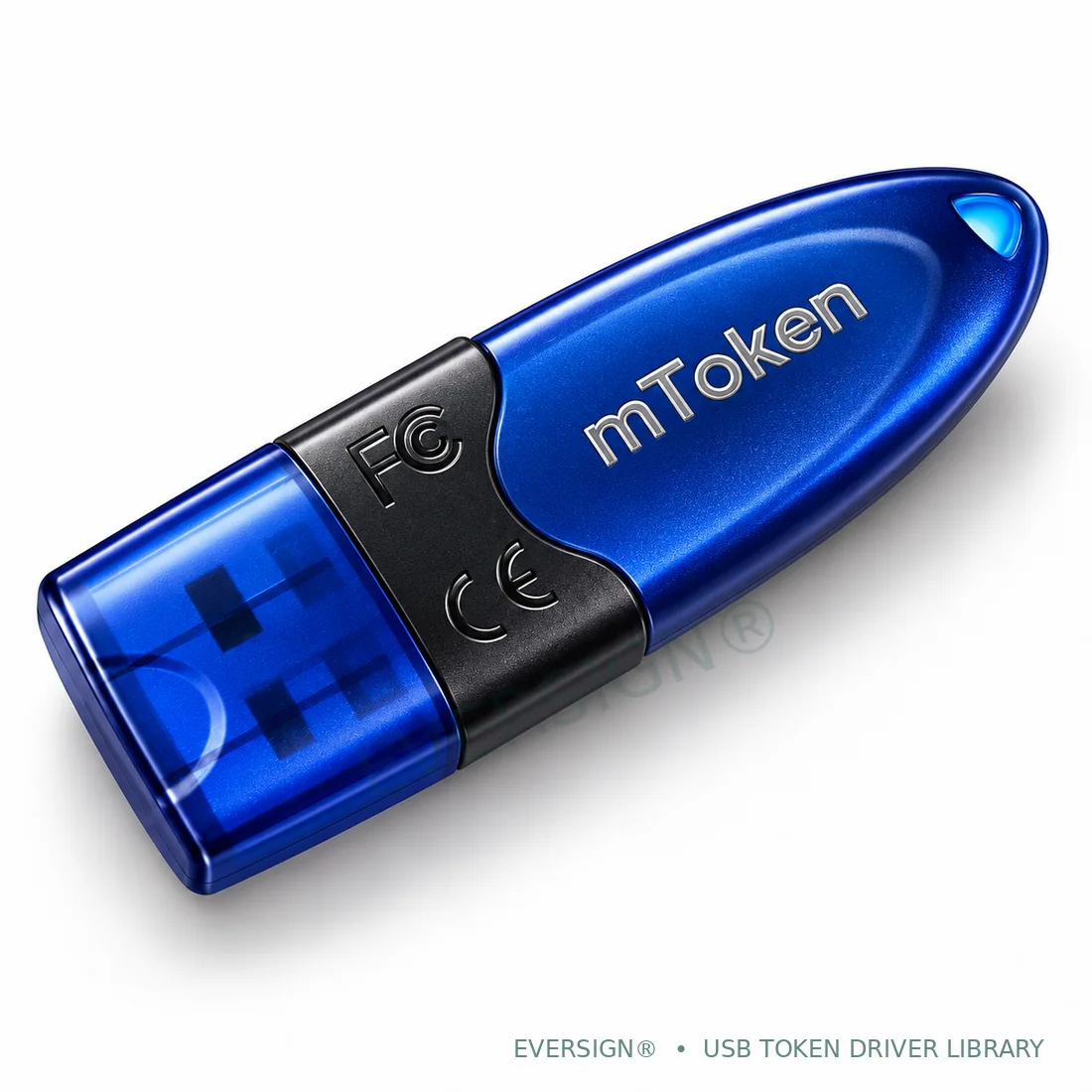
mToken CryptoID
Match your CryptoID model and generation. The main Windows package is labelled FIPS-3 by ProDigiSign.
Windows · FIPS-3 package
ProDigiSign lists this package for FIPS-3 CryptoID hardware. Confirm your Windows release and processor.
macOS
Confirm CryptoID generation, macOS release and Intel / Apple silicon support before installing.
Linux
The published archive contains an incomplete download. Ask EVERSIGN for help obtaining a complete Linux package.
Generic mToken packages do not establish compatibility with both FIPS generations. Alternate packages require a model check.
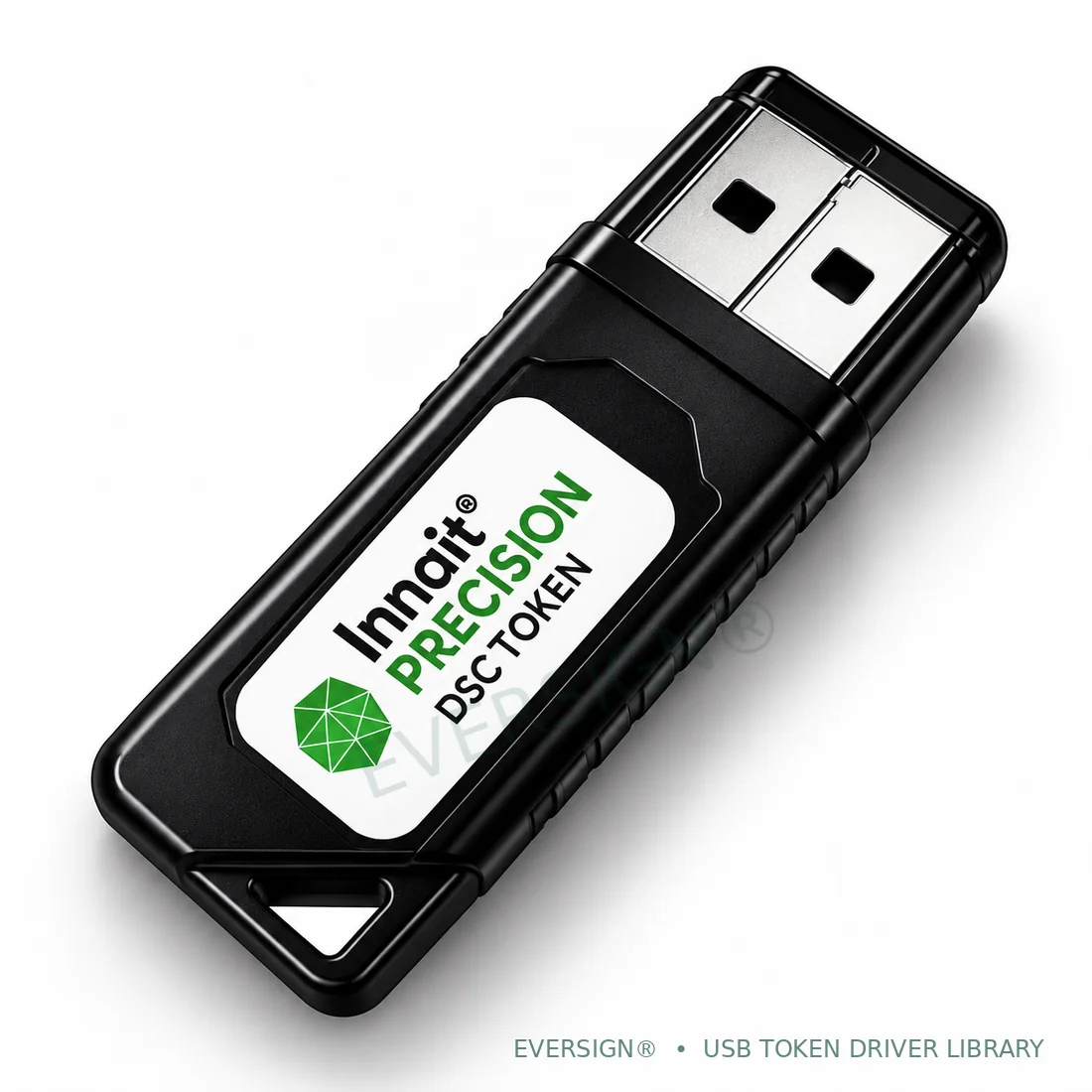
INNAIT Precision
Manufacturer-listed desktop application 4.0.7.2, including a dedicated Windows ARM64 package.
Windows
Standard Windows installer. Confirm your Windows release and system type.
Windows · ARM64
Dedicated Windows ARM64 package. Confirm your token model and Windows release.
macOS
macOS disk image. Confirm your release and Intel / Apple silicon support.
Linux
64-bit Intel / AMD (amd64). ZIP contains a Debian installer; confirm your distribution and release.
For macOS, confirm your OS release and Intel/Apple silicon support. Linux packages below contain amd64 Debian installers.
Install. Connect. Check.
These are general steps. Follow your package’s included instructions for exact requirements.
Confirm your setup
Match the token model and hardware generation, then check your computer’s OS release and processor type.
Get the matching package
Download one appropriate package. Extract an archive if needed and follow the publisher’s installation instructions.
Check token detection
Connect as instructed and open the token manager. Then check your certificate and the signing portal’s separate setup.
Windows installation
- Open Settings → System → About and note your Windows version and System type, such as x64 or ARM64.
- Extract a ZIP archive first, or open the downloaded installer. Follow its publisher’s prompts; use administrator approval only where the installer requires it.
- Open the token manager and check detection. Stop and contact support if Windows reports an unknown publisher or blocks the installer; do not disable security protections.
macOS installation
- Check Apple menu → About This Mac for your macOS version and Intel processor or Apple chip.
- Extract the archive, open the disk image or run the PKG installer as appropriate. Follow the included publisher instructions for that build.
- If macOS blocks the software or processor support is uncertain, contact support. Do not weaken system security simply to install it.
Linux installation
- Confirm the distribution, release and CPU architecture. Use the matching package family and supported architecture.
- DEB and RPM packages are different formats. Some ZIP archives contain an installer; others contain middleware libraries and tools. Follow the package’s included instructions.
- Check dependencies, device permissions and PKCS#11 setup with your administrator. Do not execute an unknown script with elevated privileges.
Let’s get you unstuck.
Start with device detection, then the certificate, then the signing website.
Which token driver should I choose?
Choose the physical USB token brand and model, then its hardware generation and your computer’s operating system. The Certifying Authority that issued your DSC does not determine which token middleware you need. Photos help identify a family; colour alone does not identify its generation.
How do I confirm FIPS 140-3 or FIPS 140-2?
Check the token label, packaging, original purchase information or manufacturer guidance. HYP2003 has separate published packages for each generation. For other tokens, do not assume that a generic filename supports both generations. EVERSIGN can help you identify the appropriate option.
Why is my USB token not detected?
Try a working USB port or suitable adapter, then reopen the token management application. Confirm that its driver matches the token model and your computer. Restart if requested by the installer. Avoid installing several alternative packages together; contact support if detection still fails.
My token is detected, but the signing website cannot see my DSC.
Check whether the certificate appears in the token manager first. A signing website may also need its own signer utility, browser integration and supported operating system. Certificate validity and CA issuance/download status are separate checks.
Do these drivers support Windows ARM64 or Apple silicon?
INNAIT publishes dedicated Windows ARM64 installers, shown separately here. ARM64 support is not established for the other Windows packages. For macOS, confirm the exact release, Intel/Apple silicon support and any publisher requirements before installing.
Why is the mToken Linux download unavailable?
The currently listed CA archive contains an incomplete nested download. We have withheld that file rather than send you an unusable package. Contact EVERSIGN for Linux guidance; a replacement will be listed when a legitimate complete package is confirmed.
Should I format the token or reset its PIN to fix a driver problem?
No. Formatting, initializing, erasing or resetting a cryptographic token can permanently destroy private keys and certificates. Do not keep guessing a locked or forgotten PIN. Ask support and the relevant Certifying Authority about the correct recovery or reissuance process.
Does installing a driver issue or activate my DSC?
No. The driver connects your computer to the token. DSC application, KYC, issuance and certificate activation/download follow the relevant Certifying Authority’s separate process. EVERSIGN provides guidance and assistance as a channel / RA partner.
Download sources and file responses checked on 18 October 2026. Files are hosted by their manufacturers, distribution channels or listed Certifying Authorities. Published versions and compatibility may change; no package is claimed to be the latest or independently installation-tested. The incomplete mToken Linux archive is unavailable pending a confirmed replacement. Driver installation is separate from DSC KYC, issuance and activation; the relevant Certifying Authority issues the DSC.