

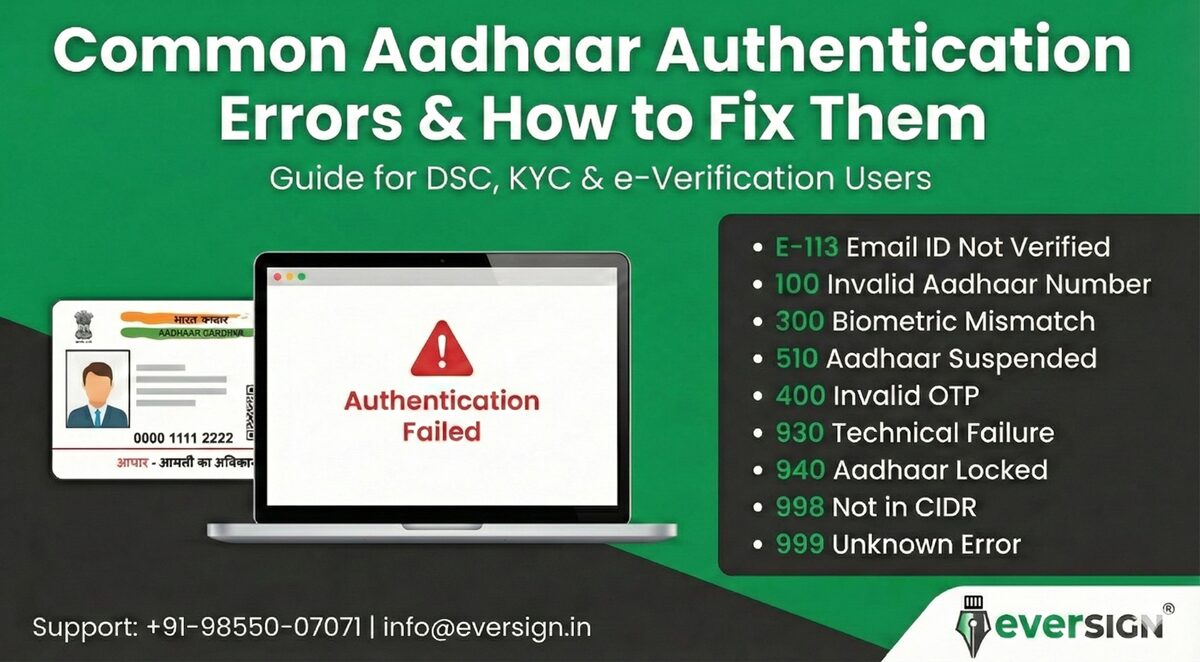
When using Aadhaar for Digital Signature Certificates (DSC), KYC, e-Verification, or government services, users may sometimes face authentication errors. These errors usually occur due to mismatched details, missing contact information, or UIDAI restrictions.
This guide explains the most common Aadhaar error codes, their meanings, and simple solutions to fix them.
1. Error Code E-113 – Email Not Verified
Problem:
Your Aadhaar does not have a verified email ID linked with UIDAI.
Where it appears:
DSC issuance, Aadhaar authentication, KYC processes.
Solution:
Visit an Aadhaar Enrolment/Update Centre and link your email ID with biometric verification.
2. Error Code 100 – Invalid Aadhaar Number
Problem:
The Aadhaar number entered is incorrect.
Solution:
Double-check the 12-digit Aadhaar number and re-enter it correctly.
3. Error Code 300 – Biometric Mismatch
Problem:
Your fingerprint/iris scan does not match UIDAI records.
Common Reasons:
-
Worn fingerprints
-
Poor scanner quality
-
Wrong finger placement
Solution:
Try another finger or visit an Aadhaar centre for biometric update.
4. Error Code 400 – Invalid OTP
Problem:
The OTP entered is wrong or expired.
Solution:
Request a new OTP and enter it within the valid time window.
5. Error Code 500 – Internal Server Error
Problem:
UIDAI server is temporarily unavailable.
Solution:
Wait for some time and try again later.
6. Error Code 510 – Aadhaar Suspended/Deactivated
Problem:
Your Aadhaar is inactive due to non-verification or issues.
Solution:
Visit an Aadhaar centre to reactivate your Aadhaar.
7. Error Code 930 – Technical Failure
Problem:
Authentication request failed due to system issues.
Solution:
Retry after some time or contact support.
8. Error Code 940 – Aadhaar Locked
Problem:
Biometric authentication is locked by the user.
Solution:
Unlock Aadhaar biometrics via UIDAI website or Aadhaar centre.
9. Error Code 998 – Aadhaar Not in CIDR
Problem:
Aadhaar record not found in UIDAI database.
Solution:
Verify Aadhaar details or visit UIDAI centre.
10. Error Code 999 – Unknown Error
Problem:
General UIDAI system error.
Solution:
Try again later or contact UIDAI support.
Why These Errors Affect DSC Issuance
Digital Signature Certificates require successful Aadhaar authentication.
If:
-
Email is not linked
-
Mobile is inactive
-
Biometrics mismatch
-
Aadhaar is locked
Your DSC application will fail.
How EverSign Helps You
At EverSign, we guide customers through:
✅ Aadhaar error resolution
✅ Email & mobile linking
✅ DSC documentation
✅ KYC & verification support
✅ eMudhra / Capricorn / IDSign processes
Quick Fix Checklist
Before applying for DSC:
✔ Aadhaar is active
✔ Mobile number is linked
✔ Email ID is linked
✔ Biometrics are updated
✔ Name/DOB match with documents
Need Help?
📞 Call/WhatsApp: +91-98550-07071
📧 Email: [email protected]
🌐 Website: www.eversign.in

what is SSS_BPR_HOF_INF_102 error and how to connect with the UIDAI – AADHAR via phone as they do not answer the emails.