eMudhra DSCs & Document SignersEligible products only One coupon per order
Offer valid for


Digital Signature Certificate renewal
Expiring soon or already expired? Choose your certificate, check your USB token and find the right product to order.
Renewal guide
Three simple steps to a matching product or the right assistance. You can review every choice before ordering.
Browse renewal products or ask EVERSIGN to help you choose the right certificate and token option.
USB token compatibility
You may be able to reuse it. Before ordering without a new token, confirm that your chosen issuer supports your exact token model and version for a new DSC download.
Confirm your exact device version is supported for a new DSC download by your chosen issuer.
Select this if your token is missing, damaged or confirmed incompatible.
Look for the model and version on the token, packaging or in its software. EVERSIGN can help you check it.
After you choose
01 · Order
Confirm the applicant, Signing or Combo, validity, USB token and current price. Then place your order.
02 · Verify
Follow the issuer’s application instructions. Documents and identity checks depend on the issuer and applicant type.
03 · Use your DSC
Complete your certificate download and register the new DSC wherever your portal requires it. For a new token order, download is completed before dispatch.
Before you order
Expiry, choosing the right certificate and getting back to signing.
You can apply for a new certificate after expiry. The issuer determines the application and verification steps. Allow time for any required portal registration before your deadline.
Yes. Start with the applicant and certificate type you need. If you change issuer, check that your exact token model and version can be used for the new download.
Open the certificate in your token software or certificate viewer and look for the expiry date under the certificate validity details.
Check the selected issuer’s instructions for proof of identity and any organization or authorization documents. Share documents only through the application channels provided for your order.
Signing covers digital signatures. Combo adds encryption. Check the exact requirements in the portal or tender you use. If you are unsure, choose the help option in the guide.
Your order is for a new certificate with the selected validity. You will need to complete the applicable application, verification and download steps. A compatible USB token may be reused after checking with your chosen issuer.
You can select your preferred issuer in the guide. Check your portal or tender requirements and confirm token compatibility with that issuer. If a matching product is unavailable, the guide offers assistance.
Check the portal you use. For example, the Income Tax e-Filing portal provides steps to update a registered DSC or re-register after expiry. Read the Income Tax Department’s DSC guidance.
Open the renewal catalogue and browse products by issuer and validity.







Renew Digital Signature Certificates (DSC) from EVERSIGN – Authorized Registration Authority for eMudhra, XtraTrust, PantaSign, Capricorn, VSign, SignX, and IDSign
EVERSIGN is an authorized Registration Authority (RA) and trusted partner of leading Certifying Authorities like eMudhra, XtraTrust, PantaSign, Capricorn, VSign, SignX, and IDSign. We are authorized to issue Digital Signature Certificates (DSC) to customers across India and internationally. Renew your DSC securely, quickly, and affordably with our reliable services, backed by over 10 years of experience and a commitment to customer satisfaction.
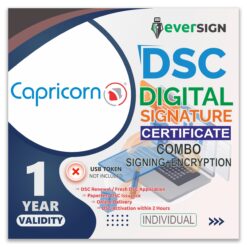
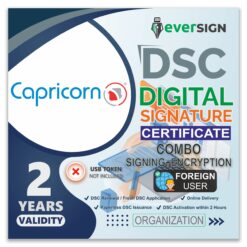
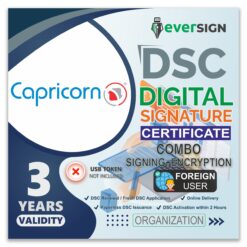
DSC Class 3 Combo (Signature + Encryption)
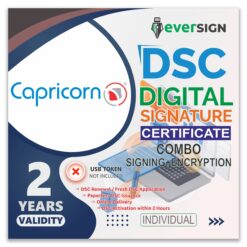
DSC Class 3 Combo (Signature + Encryption)
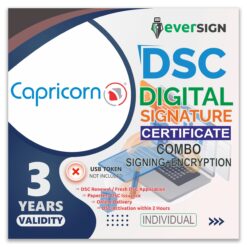
DSC Class 3 Combo (Signature + Encryption)
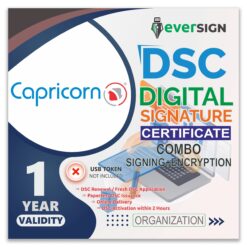
DSC Class 3 Combo (Signature + Encryption)
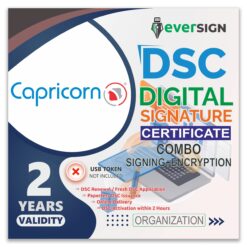
DSC Class 3 Combo (Signature + Encryption)
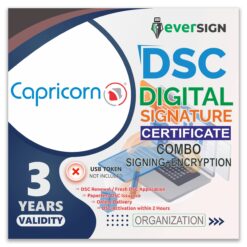
DSC Class 3 Combo (Signature + Encryption)